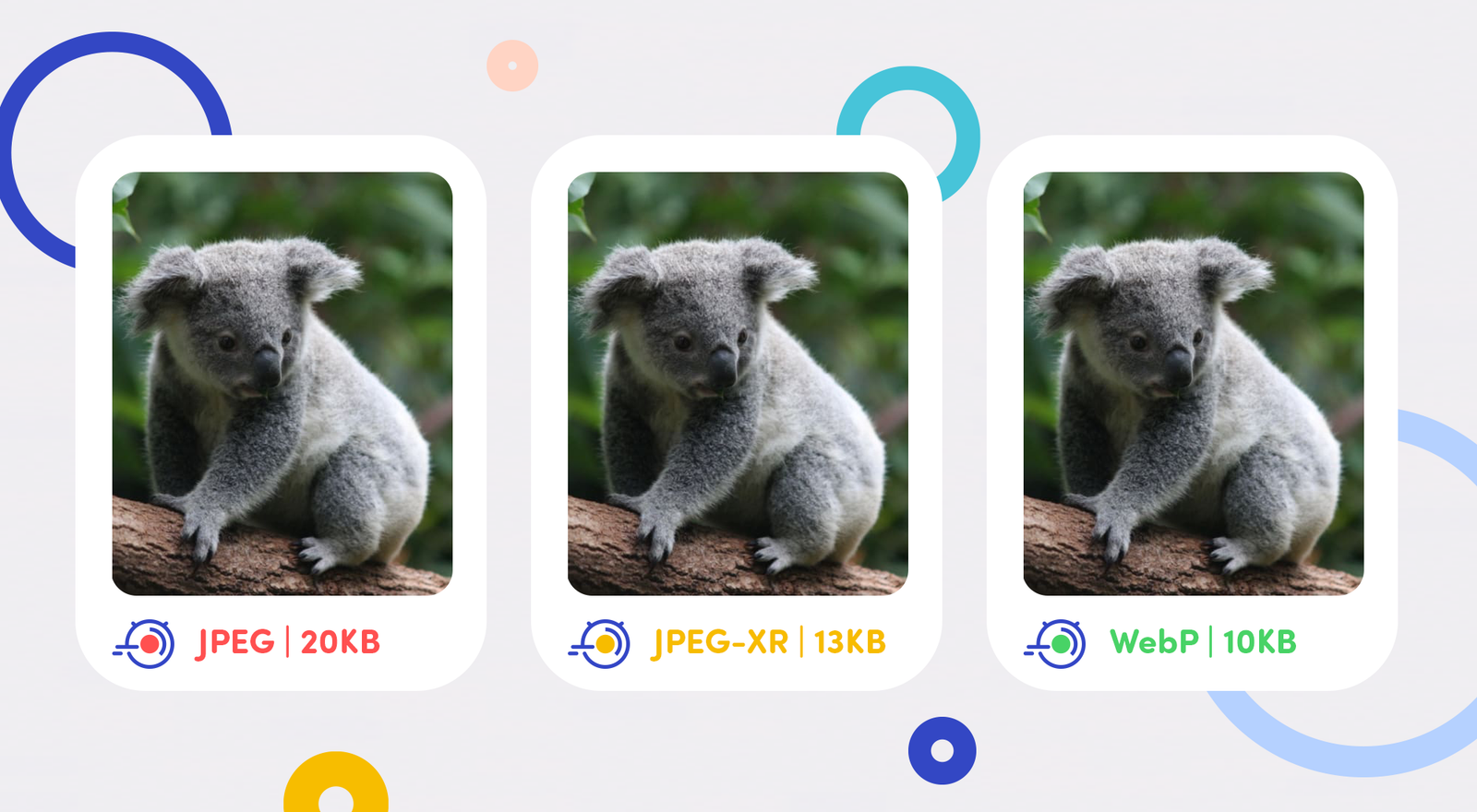

Need to compress a JPEG but worried about making it look pixelated and terrible? It’s a common fear, but modern tools make it easy to reduce JPEG file size while preserving almost all of the original image quality.
The key is understanding lossy compression. JPEG is a “lossy” format, meaning it reduces file size by intelligently removing data the human eye is least likely to notice. The trick is finding the perfect balance. For most web uses, a JPEG saved at 70-80% quality is indistinguishable from one saved at 100%, but it can be 5-10 times smaller.
Here’s the simple process to compress JPEGs without losing quality for the web:
- Use a Smart Tool: Go to a free image optimizer like Shrinkjpgsize
- Upload Your JPEG: Drag and drop your original, high-resolution file.
- Let it Analyze: These tools use advanced algorithms to remove unnecessary data.
- Download: You’ll get a significantly smaller file that looks just as crisp.
Stop sending massive files. By learning to properly compress JPEGs, you can speed up your website, emails, and social media uploads instantly.